
For decades, university examination evaluation followed a familiar pattern: answer booklets were collected, physically transported, distributed among evaluators, manually checked, totalled, verified and returned for further result processing.
The process works—but at scale, every additional physical handoff can create another opportunity for delay, tracking difficulty or administrative effort.
On Screen Evaluation changes that workflow.
Instead of requiring evaluators to handle physical answer scripts, institutions can digitize the scripts and make them securely available to authorized evaluators on a computer or approved digital device.
The important point is that On-Screen Evaluation is not simply “checking an answer sheet on a computer.” It is an interconnected examination workflow involving scanning, indexing, evaluator allocation, marking, moderation, audit trails and result processing.
Here is how the transition from paper to digital marking actually works.
What Is On-Screen Evaluation?
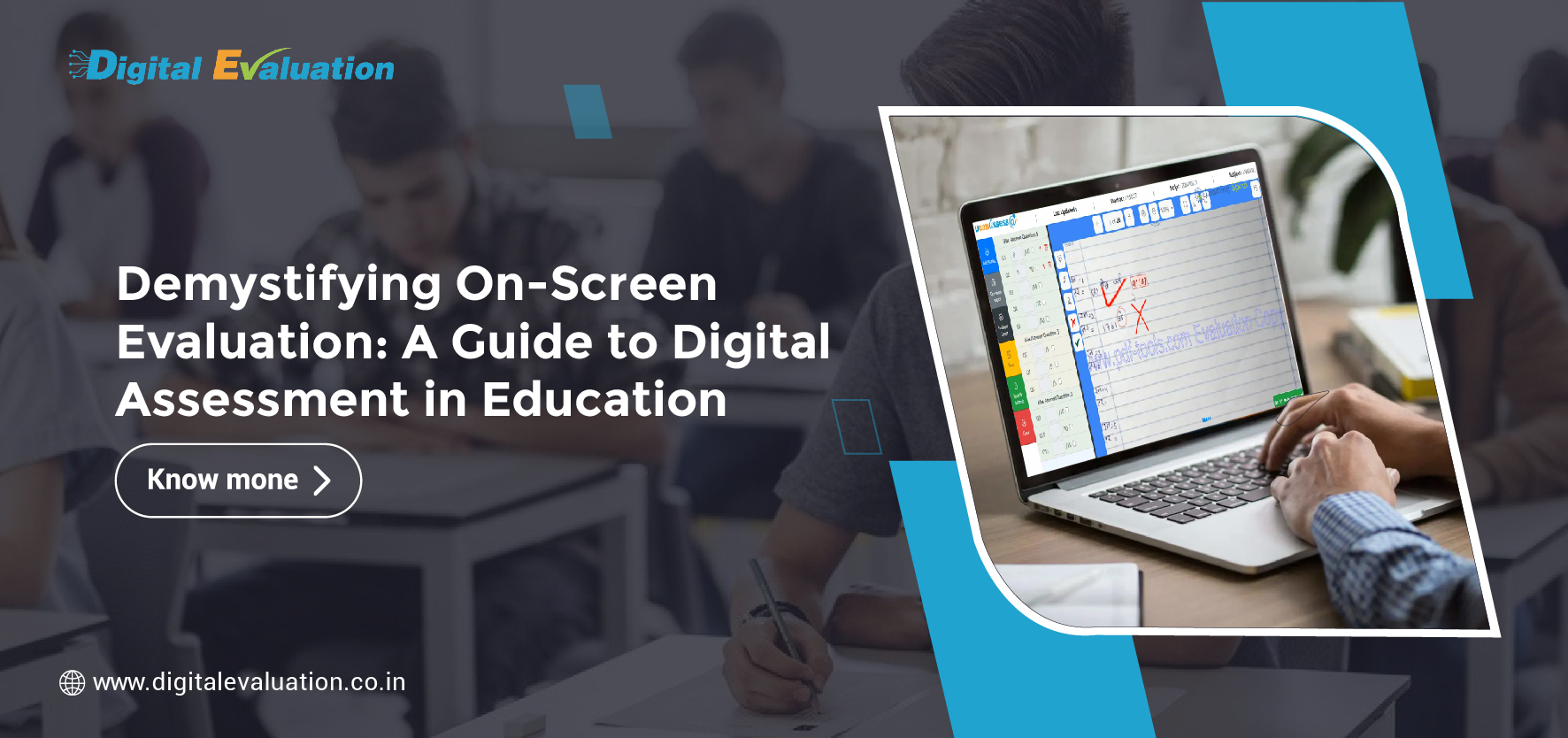
On-Screen Evaluation is a process in which handwritten answer booklets are converted into secure digital images and made available to authorized examiners through a digital evaluation platform.
Evaluators can read answers, assign marks, add permitted annotations and complete evaluation without repeatedly transporting the original physical scripts.
In a well-designed On Screen Evaluation System, the technology can also control script allocation, track progress and maintain records of evaluation activity.
This makes digital marking particularly relevant for universities, examination boards and other institutions handling large volumes of subjective answer scripts.
It is closely connected with the broader concept of Digital Evaluation, where technology supports different stages of assessment and evaluation.
Why Are Institutions Moving Beyond Traditional Paper Checking?
Paper-based evaluation does not become inefficient because teachers are evaluating incorrectly. The challenge is often the physical workflow surrounding evaluation.
When thousands of answer scripts are involved, institutions may need to coordinate transportation, storage, evaluator allocation, script movement, mark entry, verification and rechecking.
A digital workflow reduces dependence on many of these physical movements.
Institutions commonly consider On-Screen Evaluation when they want to improve:
- Turnaround: Digitized scripts can be allocated electronically rather than repeatedly moved between locations.
- Visibility: Examination administrators can monitor evaluation progress through centralized systems.
- Traceability: Evaluation activity can be associated with authorized users and workflow records.
- Consistency: Structured marking and moderation rules can be incorporated into the process.
- Security: Role-based access can help ensure that digital scripts are available only to authorized personnel.
- Result processing: Digitally captured marks can move into subsequent examination workflows without repeated manual re-entry.
The result is not simply less paper. It is a more connected evaluation process.
How Does On-Screen Evaluation Work? The Complete Paper-to-Digital Journey
Moving from physical scripts to digital marking usually involves several coordinated stages.
1. Pre Examination Processing Creates the Foundation
Successful digital evaluation actually begins before the examination is conducted.
During Pre Examination Processing, institutions prepare student, subject, examination, evaluator and paper-related master data.
A well-integrated University Examination System may connect this information with activities such as examination forms, subject mapping, scheduling, admit cards and confidential examination workflows.
Secure Question Bank Management may also form part of this wider examination ecosystem by helping institutions organize questions, create papers and manage controlled access before an examination.
This foundation matters because the evaluation system must later identify the correct examination, subject, answer script and evaluator.
2. Physical Answer Booklets Are Collected Securely
Students can continue writing descriptive examinations on paper.
This is one of the biggest advantages of the model: institutions do not necessarily need to convert every handwritten examination into a computer-based test to gain the advantages of digital evaluation.
Once the examination finishes, physical scripts move through the institution’s approved collection and custody process before digitization.
3. Answer Booklet Scanning Converts Paper into Digital Scripts
The next stage is Answer booklet scanning.
During the Scanning of Answer Sheets, pages are converted into readable digital images. Depending on the institution’s process, identifiers such as barcodes or QR codes may be used to connect the scanned script with the appropriate examination data.
Quality control at this stage is critical.
The scanning workflow should check for issues such as:
- Missing pages
- Incorrect sequencing
- Unreadable images
- Cropped content
- Poor orientation
- Duplicate pages
- Incorrect script association
A sophisticated Digital Evaluation System should not treat scanning as an isolated back-office activity. It should treat scanning as the gateway between the physical examination and the digital evaluation environment.
4. Scripts Are Assigned Digitally to Evaluators
After validation, digitized answer scripts can be allocated to authorized evaluators.
Instead of transporting bundles of physical answer books to every evaluator, an On Screen Marking System can distribute scripts according to configured subject, evaluator and workload rules.
This creates an important shift: the movement of the answer script becomes largely digital while the original script remains under the institution’s approved custody process.
5. Evaluators Perform On-Screen Marking
The actual evaluation takes place through On-Screen Marking.
The examiner views the scanned answer script and awards marks through the digital interface.
Depending on the configured system, evaluators may be able to:
- Navigate between pages and questions.
- Enter question-wise marks.
- Add approved annotations.
- Flag responses requiring review.
- Save evaluation progress.
- Complete and submit evaluated scripts.
- Follow defined marking or moderation rules.
A good On-Screen Marking System should support the examiner rather than complicate the examiner’s work.
The transition succeeds when technology makes the marking workflow intuitive while giving examination administrators greater process control.
On Screen Evaluation vs On Screen Marking: Are They the Same?
The two terms are closely related, but they describe slightly different scopes.
On Screen Marking primarily refers to the examiner’s activity of reading a digitized answer script and assigning marks through a digital interface.
On Screen Evaluation, in the broader sense, covers the complete workflow surrounding that marking activity—scanning, validation, script allocation, evaluator access, marking, moderation, auditability and integration with post-exam processes.
Therefore, an On Screen Marking System can be considered an important component of a broader On Screen Evaluation System.
Understanding this distinction is useful for institutions comparing technology solutions. Purchasing a marking interface alone does not automatically create an end-to-end Digital Evaluation System.
6. Digital Checks Can Reduce Common Marking Workflow Gaps
Traditional paper evaluation depends heavily on manual controls.
Digital systems can introduce programmed checks before a script is finally submitted.
For example:
- Has every required question been evaluated?
- Has the evaluator entered marks within the permitted range?
- Are any pages still unreviewed?
- Has a flagged script been resolved?
- Has the evaluator completed the required workflow?
These controls can make Examination Processing more structured without replacing the academic judgment of the evaluator.
Technology manages the workflow. The evaluator continues to make the academic decision.
7. Moderation and Review Become Easier to Coordinate
Evaluation does not always end with the first examiner.
Certain examinations may require moderation, scrutiny, sample checking or additional approval.
A Digital Evaluation System can route selected scripts to appropriate reviewers according to institutional rules.
Rather than physically locating and redistributing an answer booklet, administrators can manage these workflows through the system while maintaining records of the actions taken.
That becomes particularly useful in large university examination environments where thousands of scripts may be evaluated simultaneously.
8. Marks Flow into Post Examination Processing
Evaluation is only one part of the examination lifecycle.
After marking is completed, institutions still need to handle mark verification, moderation, tabulation, result computation, result publication, revaluation and related administrative processes.
Integrating Post Examination Processing with digital evaluation reduces the need to repeatedly move marks between disconnected systems.
This is where an integrated University Management System or University Examination System becomes especially valuable.
Instead of operating scanning, evaluation and results as separate islands, the institution can create a more connected Examination Processing workflow.
9. Audit Trails Strengthen Examination Governance
One of the most significant advantages of digital workflows is traceability.
Depending on system configuration, institutions can maintain records relating to:
- Script allocation
- Evaluator activity
- Marks entered
- Reviews or modifications
- Moderation
- Submission
- Administrative approvals
This can make it considerably easier for examination departments to investigate discrepancies or respond to legitimate review and revaluation workflows.
The objective is not surveillance of evaluators. It is creating a defensible examination process in which important actions are documented.
Where Does Online Assessment Fit?
Online Assessment and On-Screen Evaluation should not automatically be treated as the same process.
In an Online Examination System, students may answer questions digitally.
In On-Screen Evaluation, students may still write examinations traditionally on paper, while the evaluation process becomes digital after the answer scripts are scanned.
A comprehensive Online Exam Solution may support multiple examination models:
- Computer-based assessments
- Remotely proctored examinations
- Paper-based descriptive examinations
- Digitized subjective evaluation
- Hybrid assessment models
Universities therefore do not need to abandon every existing examination format at once. Digital transformation can happen at the stages where it produces the greatest operational benefit.
What Should Universities Look for in an On-Screen Evaluation System?
Choosing software only on the basis of a digital marking interface can create problems later.
Before implementing an On Screen Evaluation System, institutions should evaluate the complete workflow.
Key capabilities to examine include:
- Scanning quality controls: The platform should support accurate digitization and script validation.
- Secure access: Evaluator and administrator permissions should be appropriately controlled.
- Question-wise marking: The evaluation experience should reflect the institution’s marking methodology.
- Auditability: Important evaluation and approval actions should be traceable.
- Moderation workflow: The system should support institutional scrutiny and review requirements.
- Scalability: It should handle peak examination volumes without disrupting evaluation.
- Integration capability: Marks should integrate cleanly with result and University Management System workflows.
- Evaluator usability: Technology should reduce administrative friction rather than create a new layer of complexity.
- Support and implementation: Training, scanning operations and examination-cycle support are as important as the software itself.
A Digital Evaluation System Is a Process Transformation, Not Just Software
This is where many digital initiatives go wrong.
Simply scanning answer sheets and uploading them to a portal does not create a successful digital evaluation environment.
The complete workflow needs to be redesigned around:
- Secure script custody
- Reliable scanning
- Correct indexing
- Controlled evaluator access
- Structured marking
- Moderation
- Audit trails
- Marks integration
- Result processing
When these stages work together, digital evaluation becomes much more than paperless checking.
It becomes examination infrastructure.
How Learning Spiral Ltd. Supports the Transition
Learning Spiral Ltd. provides technology and examination-processing solutions designed to help universities, boards and educational institutions modernize assessment workflows.
The ecosystem can support requirements spanning Pre Examination Processing, Answer Booklet Scanning, On Screen Marking, Digital Evaluation, Online Assessment, Examination Processing and result-related workflows.
Rather than treating each activity as an independent process, institutions can work toward a connected University Examination System in which information moves securely from one stage to the next.
For universities moving from physical answer-script checking to digital marking, this connected approach is crucial. The success of On-Screen Evaluation depends not only on what an evaluator sees on screen, but on how reliably the entire examination workflow operates around that screen.
Final Thoughts: The Future Is Not Paper vs Digital—It Is Paper Connected to Digital
The transition to On-Screen Evaluation does not mean that handwritten examinations suddenly become obsolete.
It means institutions can preserve the familiar experience of writing descriptive answers on paper while modernizing what happens after the examination.
Physical scripts can become digital evaluation assets. Evaluators can mark through controlled interfaces. Administrators can monitor progress. Marks can move into downstream workflows with fewer disconnected manual steps. Review processes can become easier to trace.
That is the real value of an On-Screen Evaluation System.
It does not simply replace a red pen with a computer.
It transforms evaluation from a physical movement of answer booklets into a connected, measurable and increasingly auditable academic workflow.
Frequently Asked Questions
1. What is On Screen Evaluation?
On Screen Evaluation is the process of digitizing physical answer scripts and enabling authorized examiners to evaluate and award marks through a secure digital platform.
2. What is the difference between On Screen Marking and Digital Evaluation?
On Screen Marking refers primarily to assigning marks to digitized scripts. Digital Evaluation can cover a wider workflow including scanning, allocation, marking, moderation, auditing and integration with result processing.
3. Do students need to take online exams for On-Screen Evaluation?
No. Students can continue writing descriptive examinations on paper. Their answer booklets can subsequently be scanned for digital evaluation.
4. Why is Answer Booklet Scanning important?
Accurate scanning creates the digital version of the physical script used by evaluators. Page completeness, readability, sequencing and correct identification are therefore critical.
5. Can On-Screen Evaluation integrate with a University Management System?
Yes. An integrated implementation can connect examination master data, evaluation records, marks and Post Examination Processing with broader university workflows.
6. Is On-Screen Evaluation suitable for large universities and boards?
It can be particularly useful for institutions managing high examination volumes, provided the system, scanning infrastructure, operational processes and support model are designed for the required scale.